
Setup and tag review
Group trades by setup, timeframe, or tag so recurring strengths and recurring mistakes become easier to spot.
The Argos AI Trading Journal is built for traders who want more than a list of entries and exits. It helps record setups, tags, notes, rules-following context, outcomes, and later review data inside the same platform that runs analysis workflows. That keeps the journal useful both during the trade lifecycle and after the result is known.
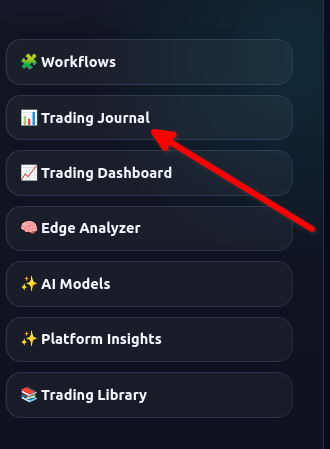
Traders often remember entry and exit, but the most useful review data usually lives elsewhere: why the trade looked attractive, what invalidated it, whether the rules were followed, how the setup was tagged, and what the trader was trying to prove or avoid. Argos AI keeps those fields closer to the trade record so the journal becomes more useful for pattern review and self-audit.
That does not mean overcomplicating every entry. The goal is to create a record that is detailed enough to support later learning without forcing a giant manual process each time. Because the journal sits inside the same platform as the workflows, a trader can move from analysis to logging to review more naturally.
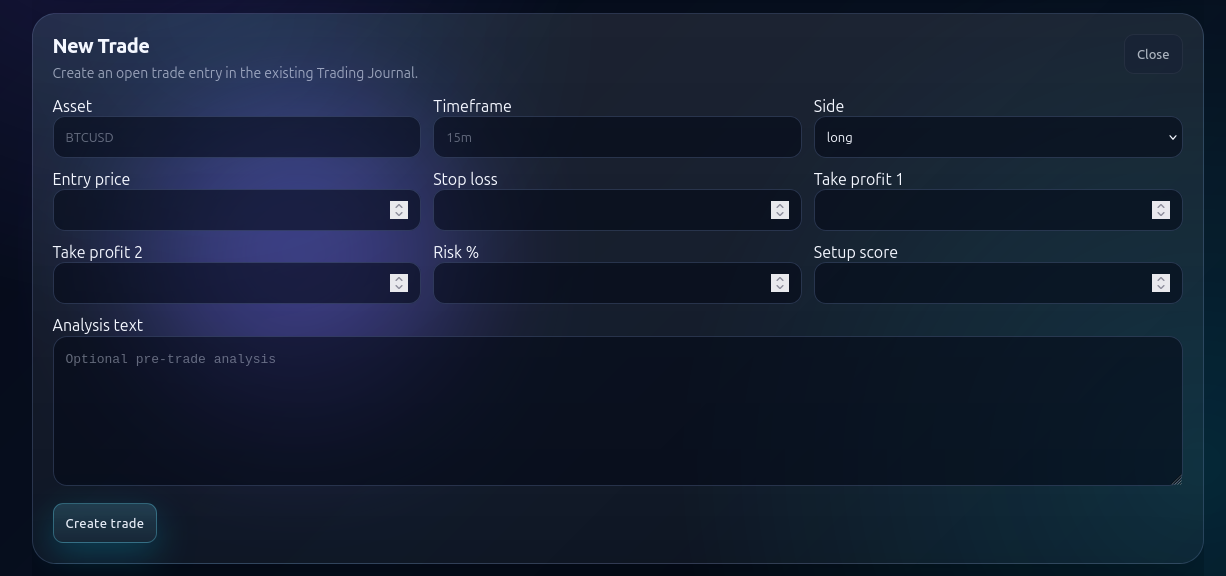
A journal is not only for closing trades. Traders can use it to define the setup before entry, update the plan as the trade evolves, and close the loop with a later result review. That makes the journal a process tool rather than a historical archive.
If you already use Telegram commands or workflow nodes, journal actions can fit into the same operational flow. That reduces copy-paste work and lowers the chance that key details never get written down.
Group trades by setup, timeframe, or tag so recurring strengths and recurring mistakes become easier to spot.
A good journal helps separate a bad outcome from a bad process. That distinction matters when you want to improve decision quality rather than just chase results.
Use the journal with the Edge Analyzer or AI-assisted analysis workflows so trade records become part of a broader learning loop.
Argos AI is useful both for traders starting a journal from scratch and for traders who already have historical records they want to bring into a cleaner process. The point is not to trap the data inside a mysterious system. The point is to make the record more structured, more filterable, and more valuable for later review.
When the journal is connected to the rest of the platform, it also becomes easier to compare earlier analysis with later outcomes. That is where many traders discover whether their market-read quality is improving, whether specific setups are worth keeping, and whether their execution habits match their stated rules.
In that sense the journal is not just storage. It is a user-controlled review layer that can participate in a broader workflow automation process without replacing trader judgment.
The journal becomes even more useful when paired with Edge Analyzer for pattern review, with AI Trading Analysis for structured market preparation, with Crypto Analysis workflows, or with the Trading Library when your own playbooks and notes should inform the way setups are reviewed.